


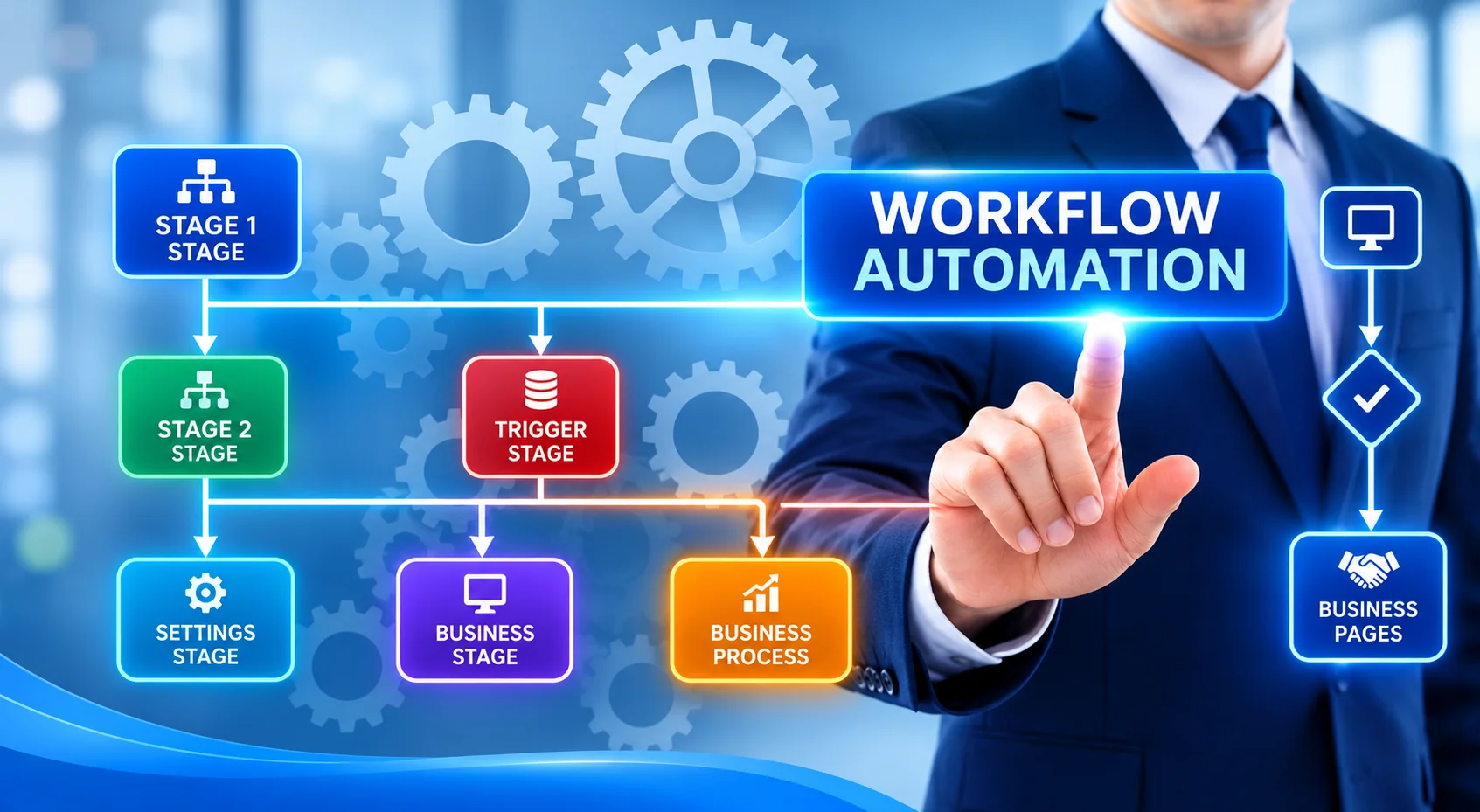
Workflow automation coordinates repeatable procedures across teams and systems using triggers, conditions, and actions. Workflow automation lowers errors, inconsistent handoffs, and human labor in this way.
AI-enhanced workflow automation adds a layer to handle complexity that strict rules cannot handle, whereas traditional workflow automation focuses on set “if-then” logic. Classification, prioritizing, customisation, and next-step recommendations based on many contexts, including buyer intent, persona, and funnel stage, can be supported by AI-enhanced workflow automation.
Within current workflows, AI-powered automated workflow solutions greatly simplify and improve interpretability and decision-making. AI augmentation aids in processing unstructured data, making dynamic, context-based judgments, and analyzing patterns to forecast bottlenecks and suggest outcomes. The Trigger → Condition → Action structure is followed by every workflow decision.
A trigger is an event (such as a form submission, a new email, or a status change) that starts the workflow.
Condition: The reasoning or guidelines that dictate the workflow’s course (e.g., “If the invoice amount is over $5,000…”
Action: The particular action that AI tools carry out automatically when the workflow meets its requirements (e.g., sending an approval request, updating a database, or contacting a team member).
Workflow Automation vs. RPA
Although workflow automation and robotic process automation (RPA) operate very differently, most people conflate the two. While RPA concentrates on task-level automation for certain tasks, AI-enabled automated workflow solutions oversee whole business processes.
How Workflow Automation Works?
Automated workflow solutions in contemporary B2B marketing identify and rank intent signals, dynamically tailor future actions, and modify decision-making. AI-augmented workflows adjust in real time, in contrast to conventional workflow automations that rely on if/then statement-triggered activities. Assume, for instance, that a visitor accesses a website. There would be five phases to workflow automation.
Trigger: The visitor’s lifecycle stage is updated to “lead” and he is immediately enrolled in a drip campaign if he downloads a resource or completes a form. Email openings, ad interaction, and recurring trips to price sites can all be useful triggers for AI-enabled solutions.
Condition: The next step takes effect if the lead clicks through and sets a time. Steps can be triggered by AI systems according on persona, lifecycle stage, and prior involvement.
Action: The automated sequence is completed when the CRM generates a task for the designated sales representative and the automated system sends a confirmation email. Businesses can dynamically modify timing for AI-powered solutions by comprehending the customer’s pace and trip.
Branches/Handoffs: To complete the deal, the salesperson individually contacts the customer and makes a presentation. Before completing the transaction, this human intervention guaranties the visitor receives a customized, compassionate touch.
Result: A favorable outcome is achieved when the salesperson persuades the website visitor to complete the payment.
Benefits of Workflow Automation:
Time Savings
Time savings is one of the main advantages of process automation. Workflow automation frees up marketers to concentrate on strategic goals and problem-solving by removing low-value, repetitive operations. A third of marketing teams reported that AI-based automation saves 10 to 14 hours a week, according to Glims Technologies 2026 State of Marketing study. A third of marketers reported that it saved them more than fifteen hours.
Fewer Manual Errors
One of the main causes of operational risk and expense is human mistake in data entry and task execution. Benefits of workflow automation include reducing problems with data accuracy by applying stringent, rule-based reasoning that is immune to human attention or exhaustion.
Stronger Handoffs
Due to missing context and unclear accountability, manual handoffs between teams or departments frequently result in bottlenecks. Teams gain from workflow automation since it assigns ownership as soon as a task status changes and initiates instant notifications. Workflow automation reduces idle time and provides audit trails by sending work to the next owner with pertinent context rather than depending on email chains.
Scalability
A process designed for 200 records per month operates unchanged at 2,000 records per month because workflow automation absorbs volume increases without corresponding increases in headcount. One of the most important advantages of workflow automation is scalability, which enables companies to effectively manage seasonal surges, expand operations, handle more volume, and enter new markets. Organizations may guaranty that operational overhead stays constant as sales and complexity increase by implementing automated operations.
Consistent Customer Experiences
Regardless of which AI agent is active at any one time, workflow automation standardizes output across several channels. Every customer engagement follows the same best-practice path thanks to automated workflow solutions. This removes the possibility of inconsistent human performance and fosters loyalty and trust through rapid, accurate, and predictable resolutions.
6 Benefits of Automating Your Business Workflows
Save Time (and Headspace)
You could be expanding your business with every hour you spend manually following up with leads or copying and pasting data. Repetitive tasks are handled by automation, saving you the trouble.
2. Reduce Costly Errors
Manual labor equals human error. Automation guaranties that crucial stages are never overlooked or submitted incorrectly.
3. Deliver a Better Customer Experience
Automated follow-ups, onboarding, and updates ensure that your customers always receive prompt, dependable support.
4. Scale Without Hiring
To grow, you only need smarter systems, not a larger crew. You can accomplish more with less thanks to automation.
5. Keep Your Tools in Sync
Automation integrates CRMs, spreadsheets, emails, and payment platforms to ensure seamless business operations.
6. Focus on What Matters
You can concentrate on strategy, connections, and outcomes once repetitive activities are off your plate.
Real-World Examples
Client onboarding is automated by a design studio, which also creates folders, assigns tasks, and sends forms.
A nearby bakery uses Google Sheets to keep track of wholesale orders and uses automation to create invoices.
To manage their complete booking system without using their hands, a solopreneur links Calendly, Gmail, and Notion.
Best Workflow Automation Software
Glims Technologies: An all-in-one CRM system that streamlines lead nurturing and customer relationship management by automating marketing, sales, and customer support processes.
Zapier:Thousands of web apps are connected by this no-code automation solution, which allows data to be effortlessly transferred between platforms and triggers automated actions.
Make: Using a drag-and-drop interface, you can create, develop, and automate intricate multi-step workflows across thousands of apps with our visual, no-code automation platform.
Clay:An AI-driven platform for outbound sales automation and data enrichment that creates customized outreach and targeted lead lists.
Tray:A low-code, enterprise-level automation and integration platform for creating intricate, scalable business application workflows.
Cflow:A no-code Business Process Management (BPM) platform that uses graphic forms to automate regular internal approvals, finance, and HR processes.
Freuquently Asked Questions About Workflow Automation
What is workflow automation?
The use of software to carry out a predetermined series of actions across one or more applications without human interaction is known as workflow automation. The procedure has a straightforward trigger-condition-action structure: the system uses business logic (conditions) to route input and carry out actions automatically in response to a particular occurrence (trigger).
How is workflow automation different from RPA?
Workflow automation connects systems via their backends and smoothly carries out actions based on logical principles to orchestrate end-to-end business processes. Robotic Process Automation (RPA), on the other hand, automates repetitive, rule-based processes in legacy systems by using software bots to simulate human actions on the front end.
What are the basic parts of an automated workflow?
The three fundamental parts of any automated process are an action, a logic, and a trigger. The first is a “trigger,” which is a particular occurrence that starts the process. The second is “condition” or logic, which consists of “if-then” rules that dictate the course of the process. Lastly, “actions” refer to a series of consecutive actions that the system takes automatically in reaction to the trigger.
Which processes should not be automated?
Processes that entail high-stakes moral or legal decisions, lack clear guidelines, call for human empathy or sophisticated judgment, or are already flawed and ineffective should not be automated. Additionally, steer clear of automating one-time, low-volume procedures if the workflow’s development costs outweigh the time savings.

Comments are closed