



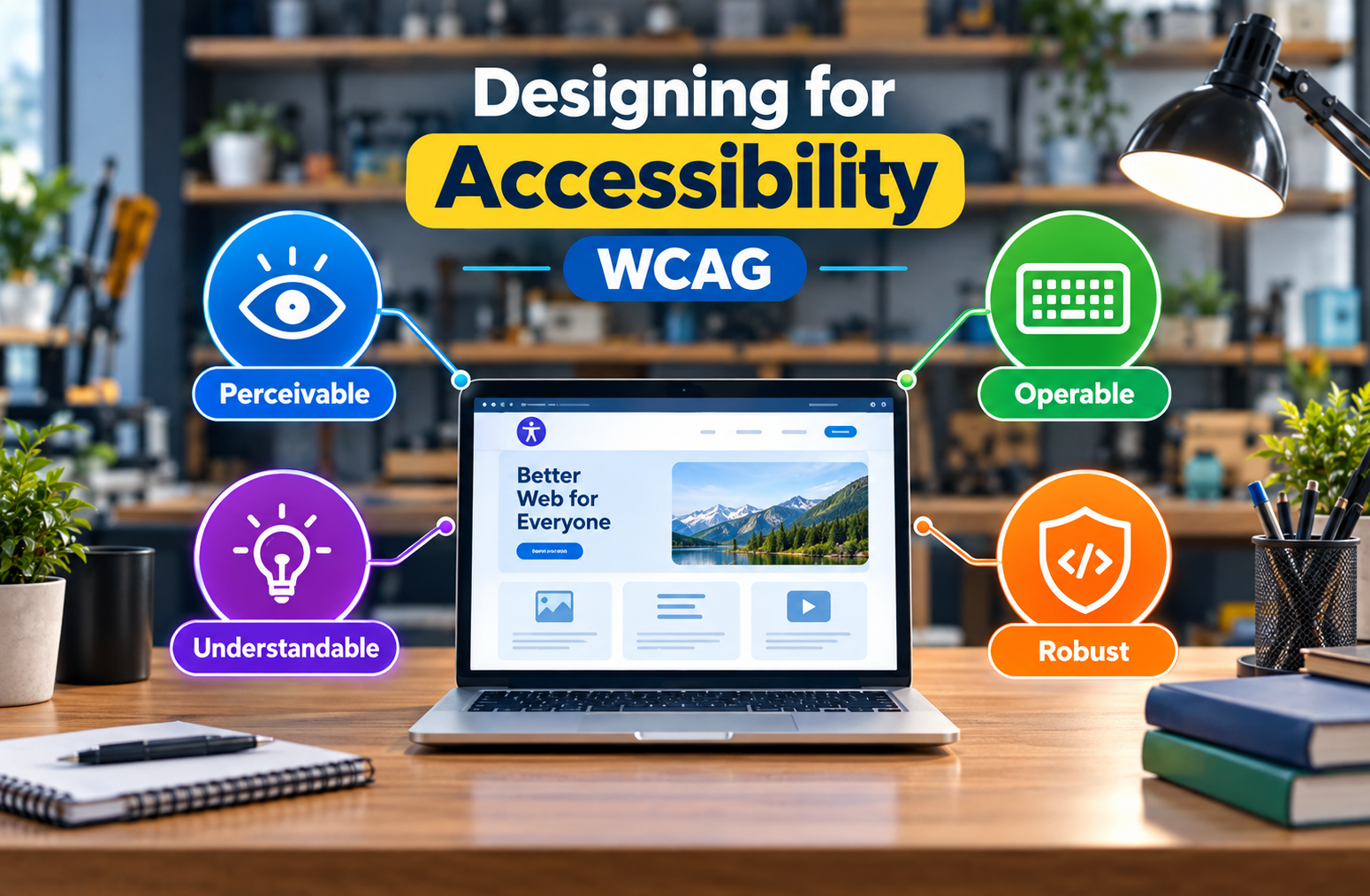
A digital product should be easy to use for as many people as possible, regardless of their abilities or limitations. Accessibility helps make websites, apps, and software more inclusive by removing barriers that can make digital experiences difficult to use. Following accessibility guidelines such as WCAG allows businesses to create products that are more usable, flexible, and welcoming to a wider audience.
What Is Digital Accessibility?
Digital accessibility means designing and developing websites, applications, and digital products so that people with different abilities can use them effectively. This can include people with visual, hearing, physical, speech, or cognitive disabilities. Accessibility is not only about adding specific features; it is about making the entire digital experience easier to navigate, understand, and interact with.
How Does WCAG Improve Accessibility?
The Web Content Accessibility Guidelines (WCAG) provide recommendations for making digital content more accessible. WCAG is built around four key principles: content should be perceivable, operable, understandable, and robust. These principles help designers and developers identify accessibility barriers and create experiences that can work with different devices, input methods, and assistive technologies.
Key Features of Accessible Digital Products
Accessible products can include features such as proper color contrast, keyboard navigation, descriptive image alternatives, readable typography, clear form labels, captions for video content, and logical page structures. Interactive elements should also be easy to identify and operate. These features help users with different needs interact with digital products more comfortably and independently.
Benefits of Following WCAG Guidelines
Accessibility can improve the overall user experience for everyone, not only people with disabilities. Clear navigation, readable content, descriptive labels, and simple interactions can make products easier to use across different devices and situations. Accessible design can also help businesses reach a wider audience and demonstrate a commitment to creating inclusive digital experiences.
Common Accessibility Problems to Avoid
Some common accessibility issues include poor color contrast, missing image descriptions, websites that cannot be navigated with a keyboard, unclear error messages, small text, and videos without captions. Overly complex navigation can also make a product difficult to use. Regular accessibility testing can help teams identify these problems early and address them before they affect users.
Final Thoughts
Designing for accessibility is an important part of creating modern and inclusive digital products. WCAG provides a useful framework for identifying barriers and improving the overall experience. Accessibility should be considered from the beginning of the design and development process rather than added as an afterthought. By making digital products easier to perceive, navigate, and understand, businesses can create experiences that work better for a much wider range of users.
Frequently Asked Questions (FAQ)
What is WCAG?
WCAG stands for Web Content Accessibility Guidelines and provides recommendations for making digital content accessible.
Why is accessibility important in digital products?
It helps people with different abilities use websites, apps, and software more effectively.
What are the four principles of WCAG?
The four principles are Perceivable, Operable, Understandable, and Robust.
What are some common accessibility features?
Keyboard navigation, good color contrast, image descriptions, captions, readable text, and clear form labels.
When should accessibility be considered?
Accessibility should be considered from the beginning of the design and development process.

Comments are closed